• Welcome to Athena by Teamwork – Your Ekera Learning Hub

      At Teamwork, we are excited to provide you with the tools and resources to ensure your IT systems run smoothly.

      As a valued part of our managed services, your Ekera Dental practice has access to our dedicated support team for all your IT needs, including network management, phone systems, and general troubleshooting.

      How to Get Support:

      - Phone: 1300 456 901 (For high-priority issues only—urgent matters that require immediate assistance)

      - Email: Support@teamworktechnology.com.au (For all other support requests, including general IT issues, inquiries, and non-urgent matters)

      Our team is here to assist you with any technical issues, questions, or concerns. To ensure we can provide the best support possible, we kindly ask that phone support is used only for high-priority issues, while all other requests should be sent via email. This allows us to prioritize urgent matters effectively and ensure all requests are handled efficiently.

      Additionally, while most of your systems will function as before, there are some slight changes in how you may operate day to day. If you need any guidance on this or anything else, we’re happy to help.

      Explore the LMS

      This platform is designed to provide you with training materials, guides, and best practices to help you navigate your new IT environment with confidence. Be sure to check out the available resources, these will be updated and added to as we continue to roll out to all the Ekera Dental practices. 

      We look forward to supporting your practice and providing a seamless IT experience.

      If you have any questions please do not hesitate to reach out to us

Available courses

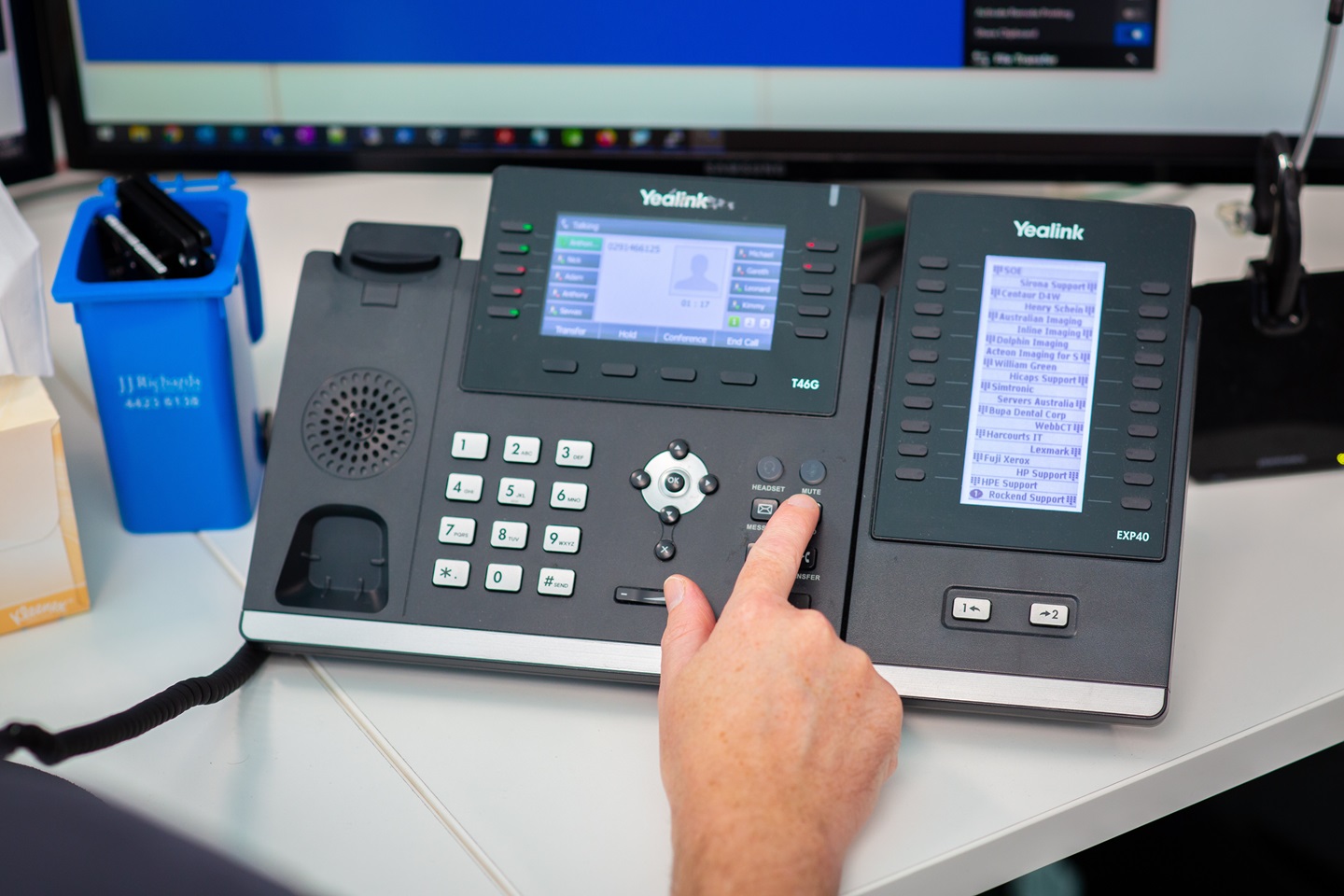
Welcome to our comprehensive Phone Course for Yealink Handsets—your gateway to mastering professional communications! In this dynamic, hands-on course, you'll learn everything from basic setup and configuration to advanced features like call routing, multi-device management, and integration with your existing communication systems.

What’s in store for you?

User-Friendly Training: Get step-by-step guidance on operating your Yealink handset with ease, designed for both beginners and advanced users.

Practical Insights: Experience real-life scenarios and hands-on demonstrations that show you how to troubleshoot issues, customize settings, and optimize performance.

Efficiency Boost: Learn how to streamline communication processes and improve productivity across your organization.

this course is tailored to equip you with the expertise needed to excel in today’s fast-paced communication environment.

Moving from Nautilus to Teamwork

Welcome to Teamwork,

Please help us by allowing installing our remote access tool to start supporting your practice


Course categories